Skip to content

Arrow Puzzle

Tap every arrow out

Every board is a picture packed with arrows. Tap one and it slides head first along its own path and off the board, as long as nothing is in its way. There is always an arrow that can leave; the puzzle is finding it.
  • No timer
  • Daily board
  • Weekly League
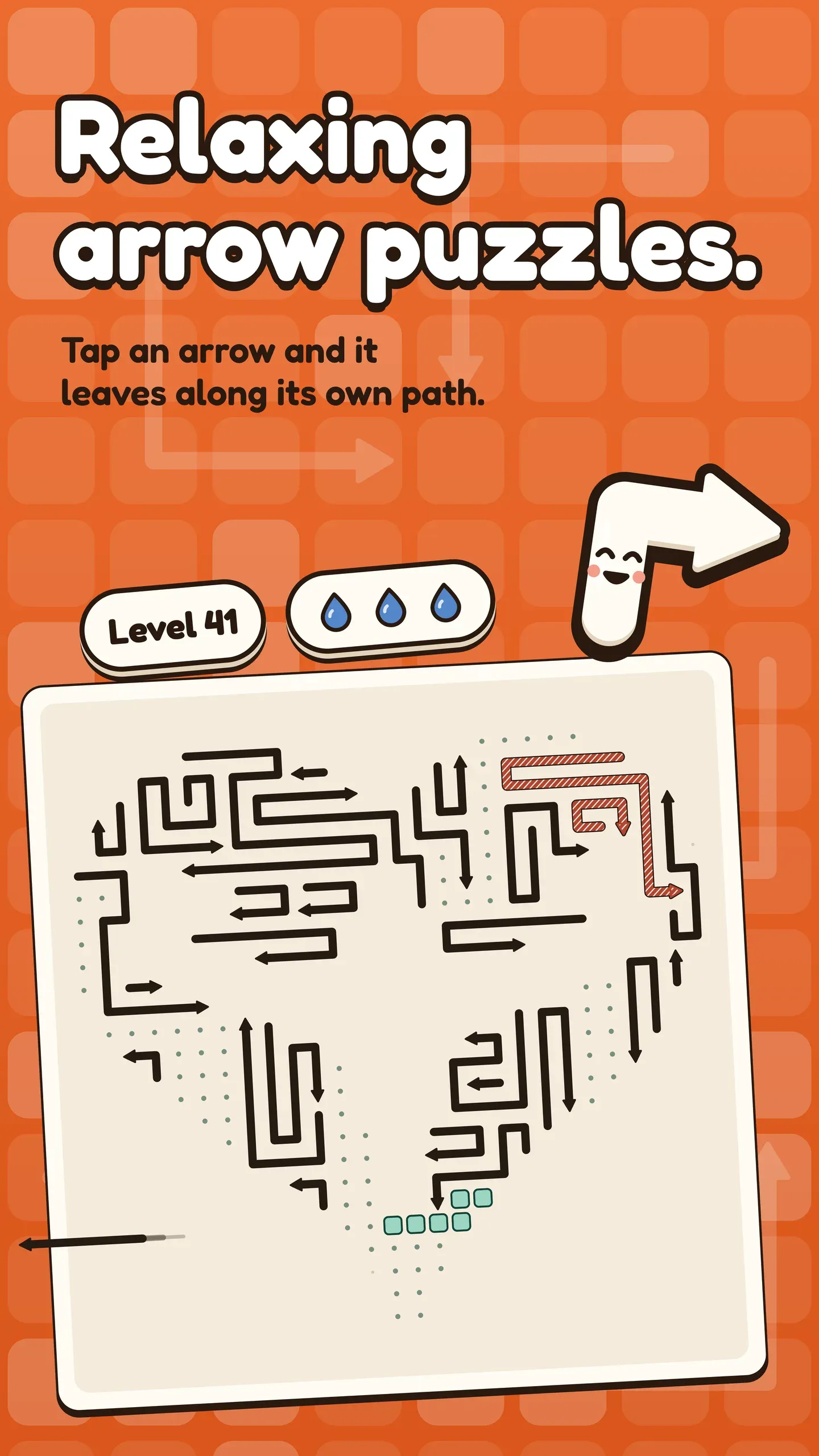
  • Store screenshot: a heart-shaped board packed with bent arrows, under the line “Relaxing arrow puzzles.”
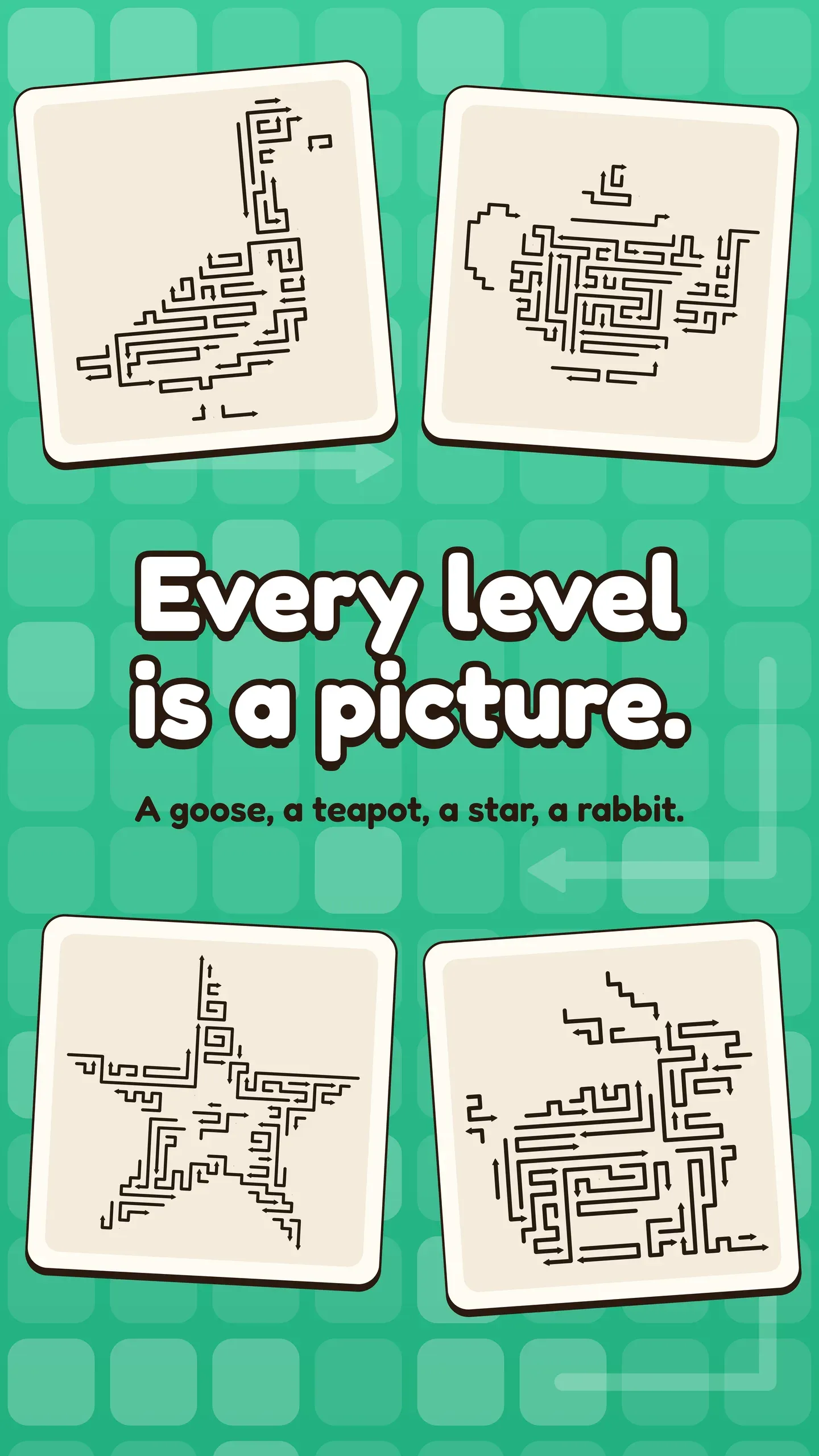
  • Store screenshot: four cleared picture boards, a goose, a teapot, a star and a rabbit.
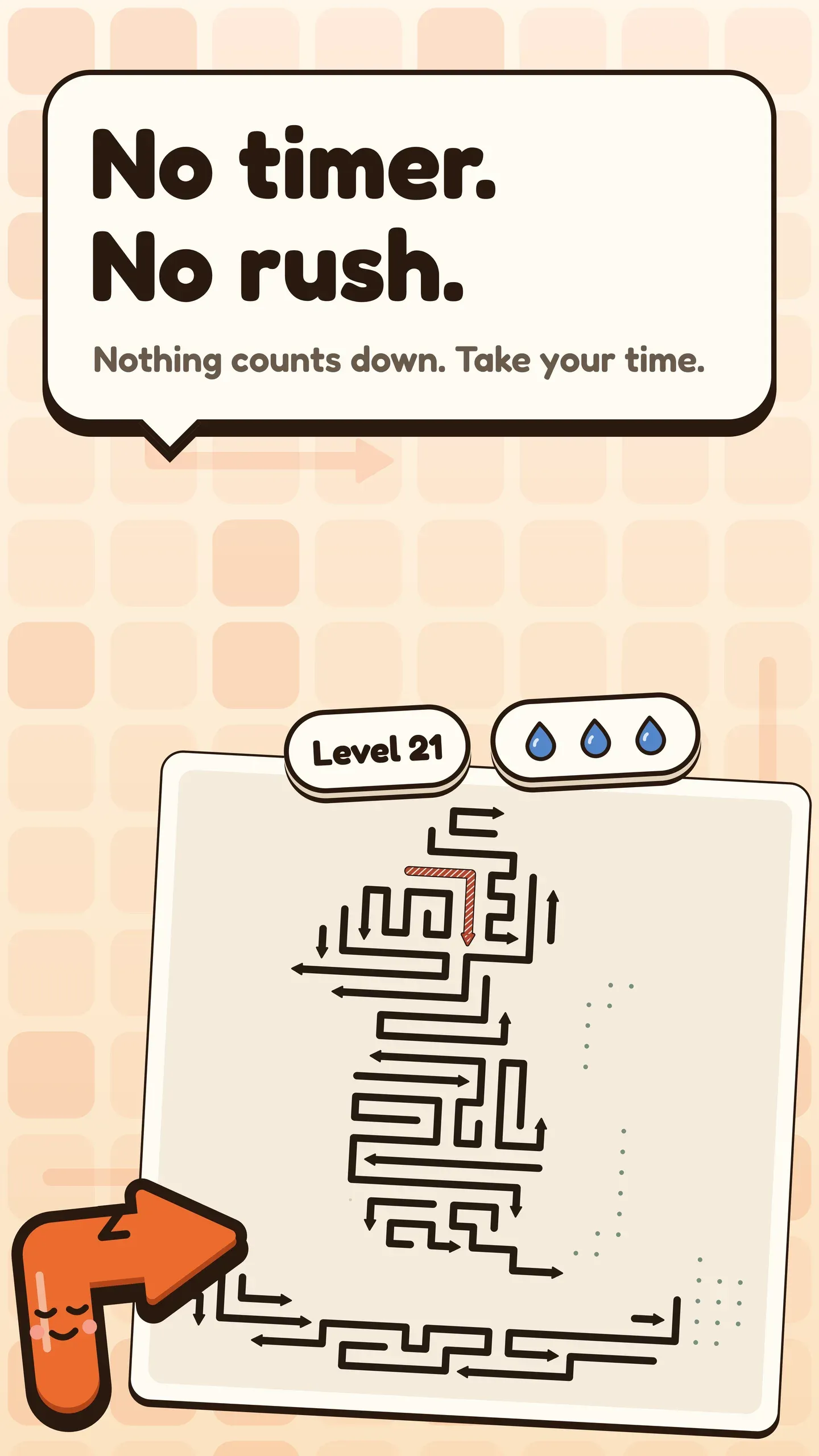
  • Store screenshot: a board mid-level with the line “No timer. No rush.”

What makes Arrow Puzzle different

  • Arrows that follow their own path

    Each arrow is a bent path with a head at one end, not a single tile. It travels head first along its own cells, like a train on its own track, then straight on until it leaves the board.

  • No wrong order

    Clearing an arrow only ever frees space, so an arrow that can leave now can always leave later. The board can't trap you, and every level is checked by a solver.

  • No timer, forgiving stars

    Nothing counts down while you play. Only a blocked tap counts as a slip, and one slip still earns three stars.

  • Easy on your eyes

    Choose cream, a dimmer mint or warm dark, with a high-contrast option and three arrow weights. Arrows you've tried are marked by a pattern as well as a colour.

How to play Arrow Puzzle

In Arrow Puzzle, every board is a picture packed with bent arrows. Tap an arrow and it slides head first along its own path, then straight on in the direction of its last segment, and off the board. It only leaves if nothing stands in that straight exit line. Clear every arrow to finish the level. There is always an arrow that can leave.

  1. Find an arrow whose head points out along a clear line to the edge.
  2. Tap it to send it sliding head first off the board.
  3. Watch the cells it frees: they often open the next arrow.
  4. Hold an arrow to preview its route before you commit.
  5. Clear every arrow to finish the level.

The full Arrow Puzzle guide

Every rule, techniques from first game to expert, and answers to the questions players ask most.

Modes and features

Picture boards
From the fifth level on, every board is a picture of its own, and the boards grow as you go. Pinch to zoom and pan on the big ones.
The Daily board
One Daily board a day, one try, no clock, and a streak for the days you come back.
The weekly League
Clear arrows all week and see where you stand on a Google Play Games leaderboard. The League needs a sign-in and a connection.
Lives without the wait
Three lives per try. Re-tapping an arrow you've already tried is free, the first Continue each try is free, and Restart always is.
Hints and previews
A hint shows one arrow that can leave and the way it will go. Hold any arrow to preview its route first, at no cost.

Ads and purchases

What Arrow Puzzle costs, in plain words

  • Free to play with ads. There are no banner ads.
  • Ads between levels start after the early levels, and never appear going into a level, in the tutorial or after the Daily.
  • Rewarded ads are always your choice: for a hint, a Continue or extra coins. If no ad can be shown, the hint or Continue is given anyway.
  • An optional subscription, monthly or yearly, removes the ads between levels and makes Continue free. It renews automatically and you can cancel anytime in Google Play.
  • Coins, hint packs and life refills are on sale. Nothing you need to clear a level is behind a payment.

Privacy, terms and account deletion for Arrow Puzzle are on devikon.org.in.

Questions about Arrow Puzzle

  • Is there an undo?

    No. Instead, hold an arrow to preview its route before you tap. Previewing costs nothing and doesn't mark the arrow as tried.

  • How do I get three stars?

    Clear the level with one slip or none. Time and hints never affect your stars.

  • Does Arrow Puzzle work offline?

    Yes. The levels live on your phone. The League, Google Play Games, ads and purchases need a connection.

  • When does the Daily board change?

    At midnight on Google Play's clock (UTC−7). The weekly League resets on Sunday on the same clock.

  • Can I play it with a screen reader?

    Menus and settings work with TalkBack, but the board itself is visual and isn't playable with a screen reader.